Learning Ubuntu Desktop
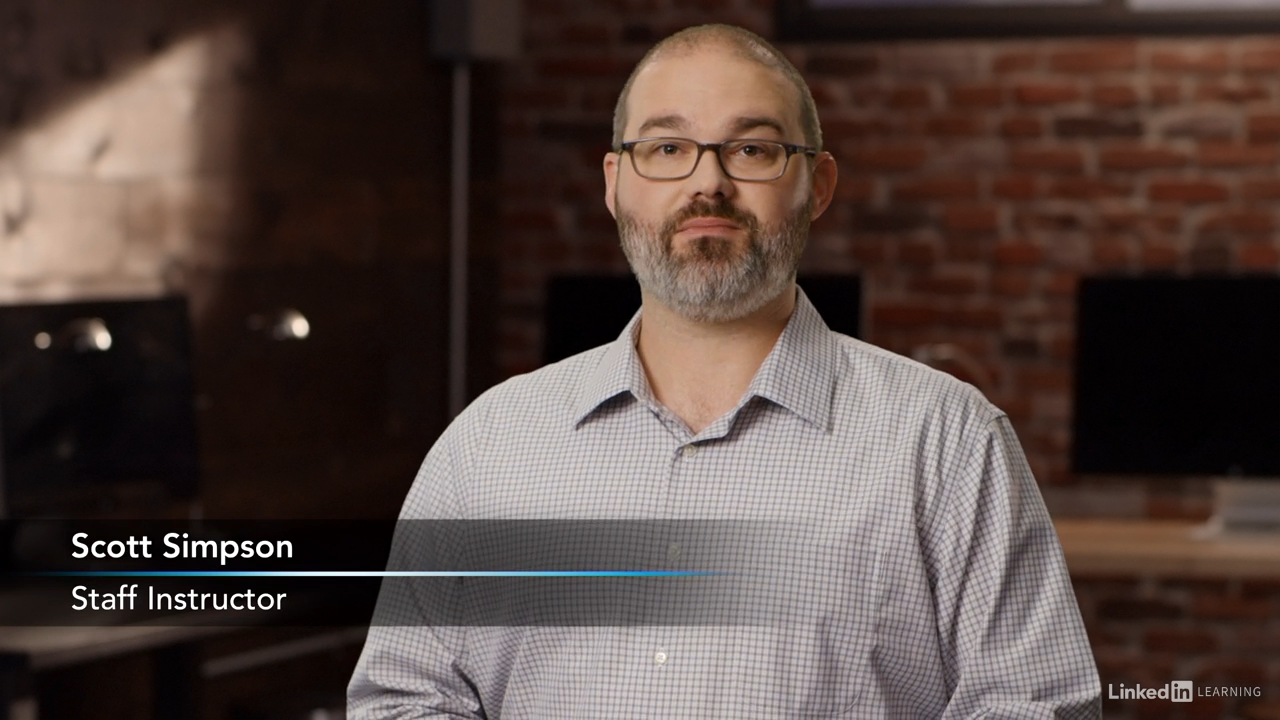
Linux is a popular and completely free operating system for desktop computers. It’s an alternative to Mac or Windows, which can run right alongside them in a virtual machine. In this course, LinkedIn instructor Scott Simpson shows you how to install and make your way around the desktop edition of Ubuntu 18.04 (Bionic Beaver), one of the most user-friendly Linux distributions. Learn how to install Ubuntu on a virtual machine or directly on your computer and start performing common tasks: working with files, listening to music, editing photos, backing up your data, and sharing files with other users. For users that are interested in going a little further with Linux, Scott also introduces how to use the command line. Whether you’re considering switching from Mac or Windows, or see your company migrating that way, this course will help you get up and running with Linux fast.
What You’ll Learn:
- Name the desktop environment in the default installation of Ubuntu 18.04 and later.
- Identify what an IP address assigned to the system by a network is called.
- Name the formats needed for sharing files with people using other operating systems.
- Recognize one of the most common formats for audio files.
- List the term for a user who is not an Administrator.
- Recognize the benefits of the Terminal.
Note: This course has been archived by LinkedIn Learning and may no longer be available to view.